

Digital Wallet
Ditch the stress of forgetting your wallet or being pulled in a million directions at the cash register.
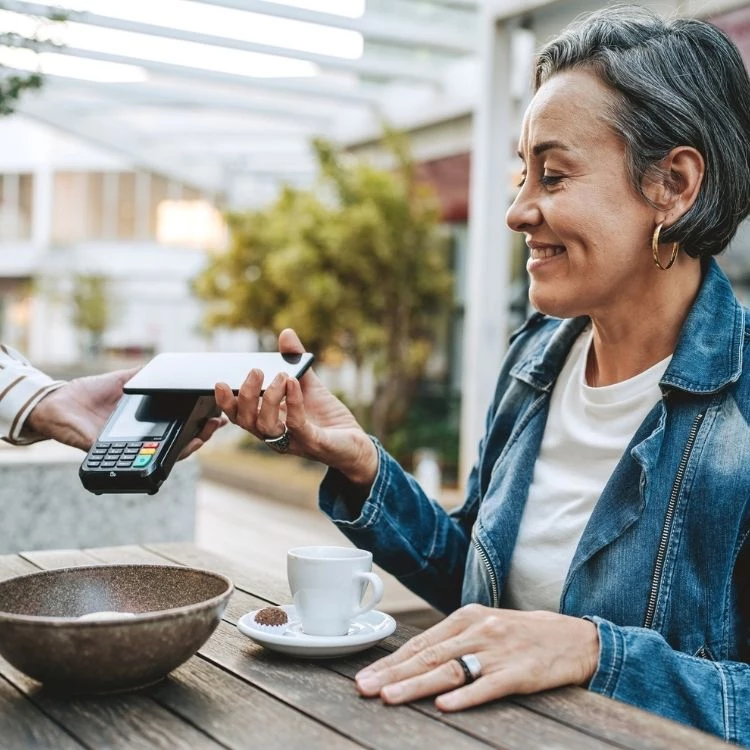
FirstLight makes it EASY, CONVENIENT & SECURE to use your Visa® Debit Card! Whether it's online or at the store, with these additional pay features, it just makes sense to reach for your FirstLight Visa® Debit Card...first! Add your FirstLight Visa® Debit Card to your digital wallet to pay with your phone or your smartwatch today!
Pay online the easier way with Visa Checkout and your FirstLight Visa card. Use a single login from any device, and keep earning the card rewards you love.
- Skip typing your info every time
- just one password to remember
- Guard your data behind multiple layers of security
Look for the Visa Checkout button when you shop online.

Making payments with Apple Pay is easy.
The entire transaction is secure, as your credit and debit card numbers aren't stored on the device or on Apple's® server, so they're never shared with the merchant.
To add your FirstLight credit or debit card, you'll need an iPhone® 6 or iPhone 6 Plus with iOS 8.1 or later. Open the Wallet® app, swipe down and tap the plus sign. Use your iSight®camera to enter the card or add it manually.
If your FirstLight credit or debit card is already in iTunes®, just key in the Security Code (the CVV code from the back of your card).
- Look for the Pay Wave® or Apple Pay symbol at checkout and hold your phone near the contactless reader
- Place your finger on the Touch ID®. Or, you may need to enter a passcode and sign a receipt.
- Keep your phone by the reader until it vibrates and beeps, indicating your payment was accepted.

View device compatibility, step-by-step instructions on how to add your FirstLight credit or debit card, how to make purchases using Apple Pay and more frequently asked questions.
Apple® and Apple Pay and Apple Watch are registered trademarks of Apple Inc.

We're excited to announce FirstLight Credit Union has partnered with Samsung Pay, the latest in mobile payment options.
This service is available to members with FirstLight Visa® credit or debit cards.
It's simple. Samsung Pay is available at in-store retailers almost anywhere because it uses the same technology you use to swipe your card.
To protect your information, Samsung Pay uses tokenization and fingerprint authorization. Tokenization generates a unique sequence of numbers (instead of transmitting your account information) every time you make a purchase. The "token" is encrypted and eliminates the need for merchants to store your card data on their networks.
Add a Digital Version of Your FirstLight Card to Samsung Pay Now!
View device compatibility, step-by-step instructions on how to add your FirstLight credit or debit card, how to make purchases using Samsung Pay and more frequently asked questions.
Google Pay is the fast, simple way to pay with your FirstLight card in stores and online. And you'll continue receiving all the benefits and protections you enjoy with FirstLight Federal Credit Union.
Shop securely in stores
When you use your phone to pay in stores, Google Pay doesn't send your actual credit or debit card number with your payment.
Instead, a virtual account number is used to represent your account information - so your card details stay safe.
Set up
To add your FirstLight debit or credit cards to Google Pay takes just a few minutes:
- Download the App from Google Play or check to see if it is already installed on your phone.
- Open the App and follow the instructions. Google Pay works on Android devices running KitKat 4.4 or higher.
- You're done!
How to Pay
Pay with your phone in Stores
Google Pay works anywhere you see one of these symbols at checkout. Just unlock your phone and hold it near the terminal.
You don't even need to open the app.
Speed through checkout online
With Google Pay, you can pay with a few quick clicks in apps and on the web. No need to enter your payment info.
Where to use Google Pay?
Google Pay is accepted at millions of places around the world. You can use it anywhere you see either of these symbols at checkout: